Camy Kam is an analyst with a background in business and computer science, having experience in software testing, development, and business intelligence.
Her exposure to multiple working environments along with a business and technical perspective has allowed her to see the ‘bigger picture’ in IT projects, bridging communication with working teams and clients.
She enjoys analyzing data, having worked closely with ServiceNow reports, Excel, and is also Microsoft Power BI certified. Forever a student at heart, Camy is constantly learning new tools and skills to keep up with technology.
Introduction to Python: Python Basics 1
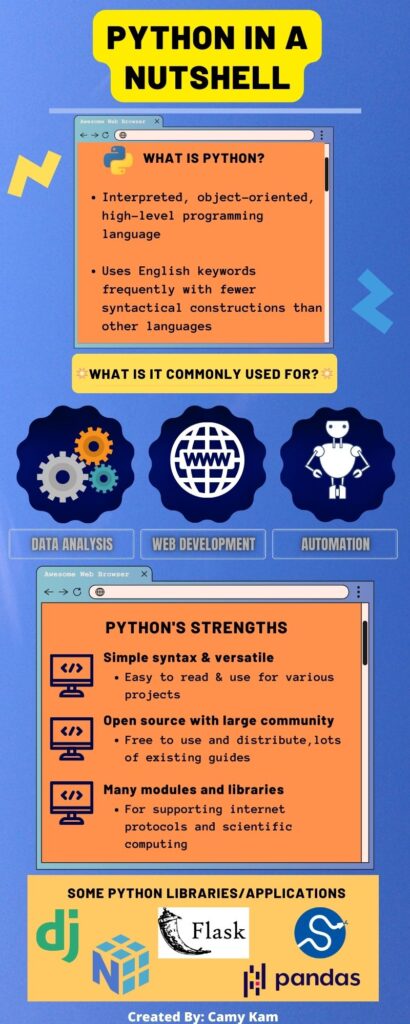
What is Python and its common uses
- Getting set up with Python:
- *It is advised to try and get Python downloaded and an integrated development environment (IDE) set up prior to attending the class if possible.
>Download Python: https://www.python.org/downloads/ (latest 3.l2.4)
>Blog article on How to Install: https://kinsta.com/knowledgebase/install-python/#how-to-install-python
Recommended Python IDEs:
- PyCharm: Scroll down and download the Community Edition https://www.jetbrains.com/pycharm/download/?section=window
OR - Visual Studio Code if you already have it
>Creating first blank Pycharm Project: https://www.jetbrains.com/help/pycharm/creating-and-running-your-first-python-project.html
-Use of Python print() function, how to comment, Python syntax
-Learn about variables and datatypes
-Arithmetic and assignment operators
-Intro to functions
Introduction to Python: Python Basics 2
-For loops, while, if..else statements
-Intro to lists, tuples, sets